
EXPERTISE | RESOURCES | TECHNOLOGIES
When you need support for your latest project, the expert team at GoEngineer is ready. With over 100 machines across the US, including FDM, PolyJet, Stereolithography, P3, and SAF technologies, our team will take your project from idea to end part.
 trusted
by industry leaders
trusted
by industry leaders
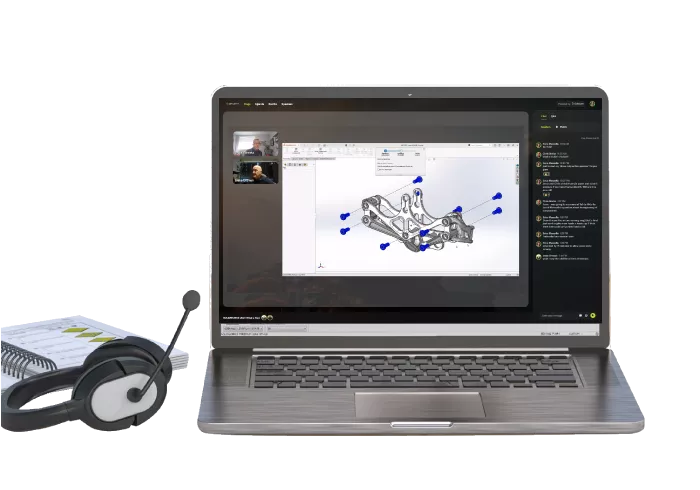
Engineering Webinars
Our team of experts host monthly engineering sessions covering everything from SOLIDWORKS tips and tricks, simulation analyses, 3D printing technologies, and more.Learn More >
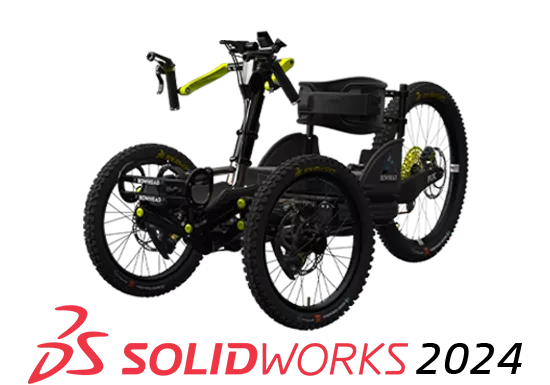
SEE WHAT'S NEW
Learn more about SOLIDWORKS 2024 and 3D EXPERIENCE SOLIDWORKS enhanced product features and upgrades.Learn More >
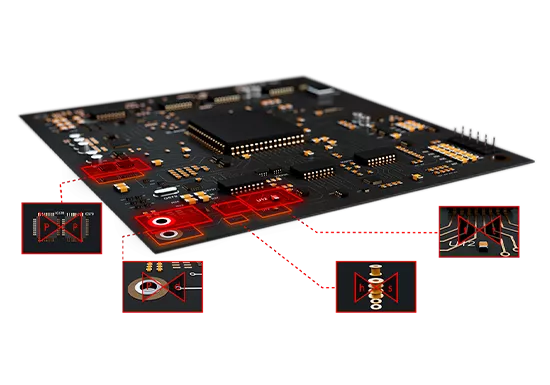
Next-GEN PCB DESIGN
Electromechanical product development is about to get easier than ever, thanks to the new partnership between Cadence and Dassault Systèmes.Learn More >
Discover Advanced Design
All month long, discover exciting design tech that build upon SOLIDWORKS for quality & efficiency breakthroughs.Learn More >
JOIN THE COMMUNITY
A forum created by engineers, for engineers. Join to access industry experts and connect with the engineering community.Learn More >
JOIN THE COMMUNITY
PROFESSIONAL TRAINING
SOLIDWORKS Professional Training courses available from certified SOLIDWORKS instructors.Get Details >
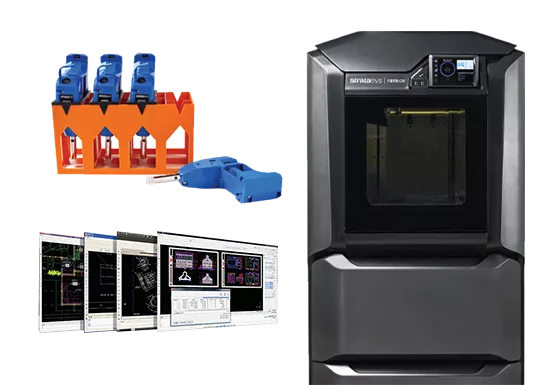
ONLINE STORE
Order 3D printing materials and consumables. Enroll in SOLIDWORKS online training classes and more.Shop Now >
Online Store

75,000+
SOLIDWORKS USERS
#1 VAR
FIVE YEARS IN A ROW
TRAINING
WORLD CLASS INSTRUCTION
220+
CERTIFIED EXPERTS
OFFICES
LOCATED ACROSS THE U.S.
120K+
YOUTUBE SUBSCRIBERS

trusted partners
Collaboration and partnership with our customers is at the center of everything we do. With more than 35 years experience and tens of thousands of customers in high tech, medical, machine design, energy, and other industries. Empowering the Creation of Today's Products and Tomorrow's Innovations.